
Apple iOS signing status has changed dramatically with the release of iOS 27. The tech giant has officially stopped signing iOS 26.6.2 and iOS 26.7, making downgrading impossible.
What Does Stopping Signing Mean?
The recent decision by Apple to stop signing iOS versions 26.6.2 and 26.7 has significant implications for users. When Apple stops signing an iOS version, it means that users can no longer downgrade to that version from newer releases, such as iOS 27. This action limits users’ options and can affect their ability to revert to previous functionalities or resolve issues that may arise with the latest update.
What Does Stopping Signing Mean? When Apple ceases to sign a particular iOS version:
- Access to Previous Versions: Users can no longer install or revert to the older iOS version through official methods.
- Security and Stability: Apple encourages users to upgrade to the latest versions for security patches and improvements, promoting a safer experience.
- Customization Limitations: For those who prefer jailbreaking or specific tweaks, the inability to downgrade limits their options.
This change is part of Apple’s strategy to ensure that users are on the most secure and stable versions of its operating system. For those who are accustomed to downgrading, the current Apple iOS signing status poses a new challenge in navigating their device’s software landscape.
Key Features of iOS 27
Apple has recently rolled out iOS 27, bringing with it a host of new features and enhancements that aim to improve user experience and device performance. With the discontinuation of signing for previous versions, including iOS 26.6.2 and iOS 26.7, the focus now shifts to the innovations introduced in this latest update.
Some of the key features of iOS 27 include:
- Enhanced Privacy Settings: Users can now customize their privacy settings more granularly, allowing for greater control over app permissions.
- Improved Performance: iOS 27 optimizes system processes to ensure smoother multitasking and faster app launches.
- Revamped User Interface: A fresh design enhances the visual appeal and usability, making navigation more intuitive.
- New Health Features: Expanded health tracking capabilities enable users to monitor their fitness and wellness more effectively.
- Integration with HomeKit: Enhanced connectivity options for smart home devices allow for a more seamless user experience.
As Apple iOS signing status changes, users must adapt to the new features and functionalities offered in iOS 27, ensuring they make the most of their devices without the option to downgrade.
How to Upgrade to iOS 27
Upgrading to iOS 27 is a straightforward process, but it’s essential to ensure that your device is compatible before proceeding. Here’s how to effectively upgrade:
- Check Compatibility: Ensure your device supports iOS 27. Most recent models, including iPhone 8 and later, are eligible for this upgrade.
- Backup Your Data: Before upgrading, back up your device using iCloud or iTunes. This step is crucial to prevent data loss during the upgrade process.
- Connect to Wi-Fi: To avoid interruptions, connect your device to a stable Wi-Fi network. Upgrading via cellular data can lead to additional charges and may take longer.
- Begin the Upgrade: Navigate to Settings > General > Software Update. Your device will check for the latest updates. Select Download and Install to initiate the process.
- Follow On-Screen Instructions: Once the download is complete, follow the prompts to complete the installation. Your device will restart during this process.
It’s important to note that with Apple’s current iOS signing status, downgrading to previous versions is no longer possible. Therefore, upgrading to iOS 27 is a permanent decision that users should consider carefully.
User Reactions to iOS 27 Release
The release of iOS 27 has sparked a wave of reactions from users, particularly concerning the Apple iOS signing status. Many have taken to social media platforms to express their thoughts on the implications of no longer being able to downgrade to previous versions such as iOS 26.6.2 and iOS 26.7.
Some users have voiced their frustration, citing issues they have encountered with the new update. “I was comfortable with iOS 26.6.2, and now I’m stuck with iOS 27, which has a few bugs,” one user tweeted. Others have echoed similar sentiments, recalling the freedom that previous downgrades offered.
However, there are also positive reactions. “iOS 27 comes with exciting features that I am eager to explore. I understand the need for Apple to stop signing older versions,” another user commented. This sentiment highlights a divide among the user base, where some prioritize stability and familiarity, while others embrace the latest innovations.
As discussions continue, it remains clear that the Apple iOS signing status is a significant factor affecting user experience. Many are left wondering how future updates will shape their interactions with Apple’s ecosystem.
Implications for Future iOS Versions
The recent decision by Apple to halt the signing of iOS 26.6.2 and iOS 26.7 following the launch of iOS 27 has significant implications for future iOS versions. As users are left with no option to downgrade, the focus now shifts to how Apple will manage upcoming updates and the user experience surrounding them.
One key implication is the potential for increased pressure on Apple to ensure that new versions are stable and free of critical bugs. With no rollback option available, users who upgrade to a problematic version will be stuck, leading to greater scrutiny of future releases. This could compel Apple to adopt a more rigorous testing process before launching updates.
Additionally, the lack of downgrading options might push users to adapt more quickly to new features and changes. While this could foster a more uniform user experience, it may also lead to frustrations among those who prefer the familiarity of previous versions.
Moreover, the Apple iOS signing status could become a crucial topic in discussions among tech enthusiasts and developers. They may need to adjust their strategies for app development and support based on the limitations imposed by Apple’s signing policies.
In this rapidly evolving ecosystem, the implications of stopping the signing of previous iOS versions are profound and warrant close attention from both users and industry analysts.
The recent changes in Apple iOS signing status have left many users frustrated, as downgrading to previous versions is no longer possible. Understanding the implications of the current Apple iOS signing status is crucial for those who rely on specific features or performance from earlier iOS releases.
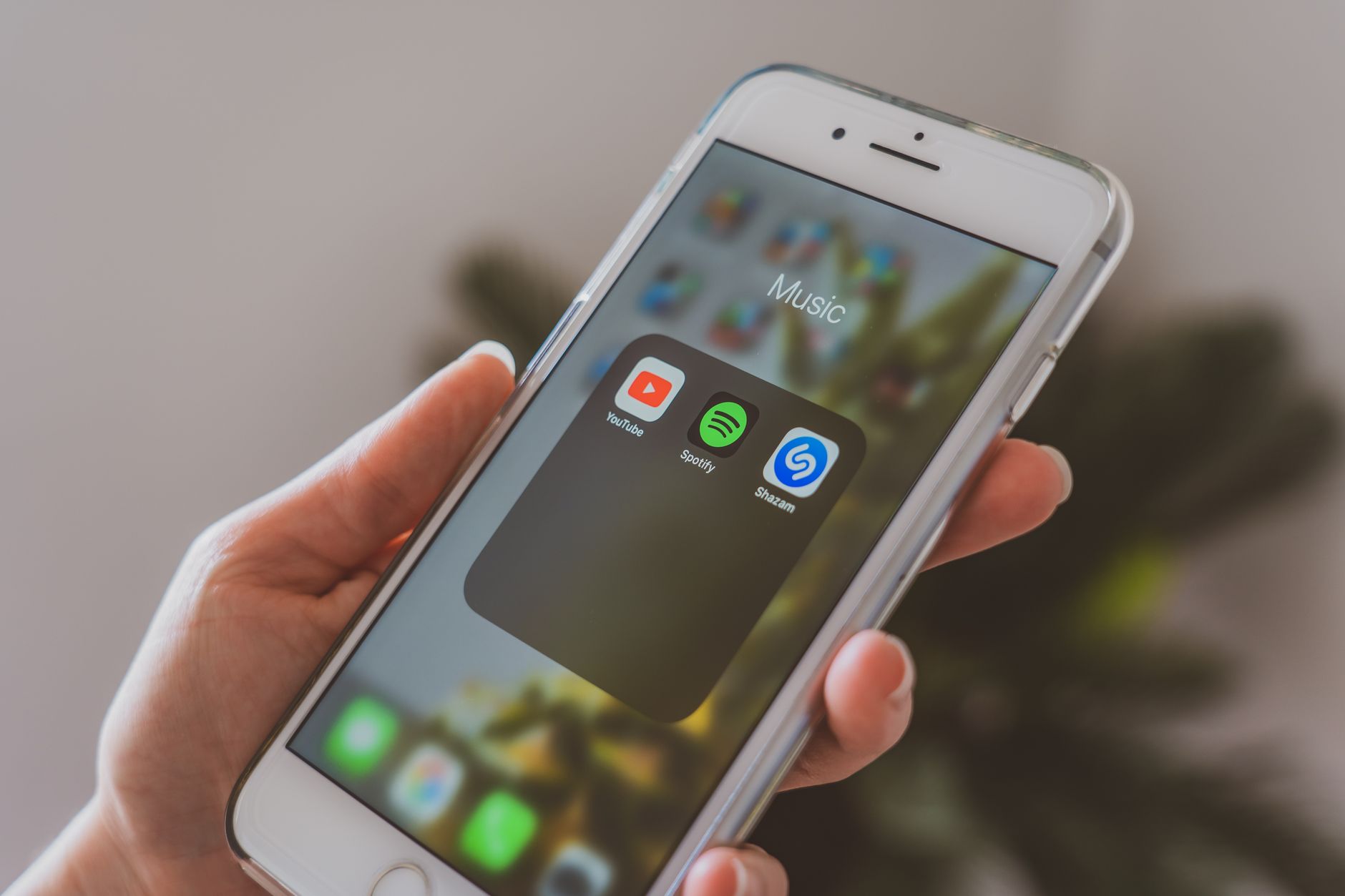
Photo by Castorly Stock on Pexels